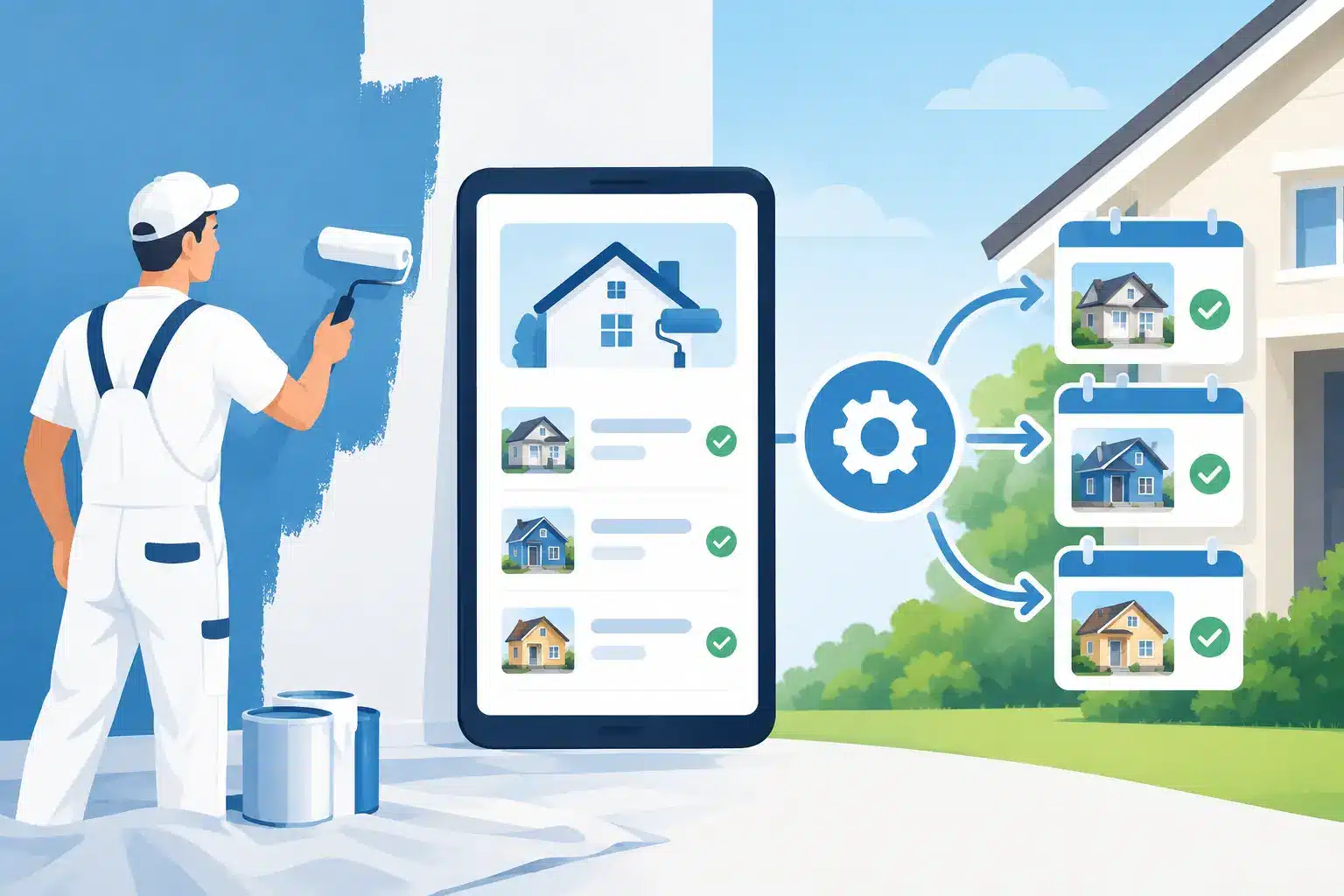
A homeowner submits a quote request at 8:42 p.m. Your crew is wrapping up a job, your office is closed, and by morning that homeowner has already contacted three other painters. That is the gap painter estimate automation is built to close. It does not replace the walkthrough, the scope, or your judgment on price. It makes sure the lead gets a fast response, knows the next step, and does not disappear while your team is busy painting.
For most painting contractors, the leak is not a lack of leads. It is what happens after a lead comes in. Calls go to voicemail. Web forms sit in an inbox. Text messages get answered late. An estimate gets completed but no one follows up. A connected automation system turns those loose handoffs into a process that keeps estimates moving toward booked jobs.
What Painter Estimate Automation Should Actually Do
There is a lot of confusion around automation because the term gets used for everything from an auto-reply email to software that claims it can price an entire project from photos. Those are very different tools.
For a residential or commercial painting company, the practical goal is simple: respond immediately, qualify the opportunity, get the estimate appointment on the calendar, and follow up consistently until there is a clear yes, no, or later decision. Your system should remove administrative delay, not turn a detailed paint estimate into a guessing game.
A good setup can instantly acknowledge a new call, form, Facebook lead, or Local Service Ads inquiry. It can send a text asking for project details, offer an estimate scheduling link, notify the right team member, and create a contact record in your CRM. Once the walkthrough is booked, it can send reminders that reduce no-shows. After the estimate is delivered, it can follow up without relying on someone to remember every prospect between jobsite visits.
That is where the revenue impact comes from. Fast response and reliable follow-up do not make a weak sales process strong, but they give your sales process a real chance to work.
Start With the Lead Response, Not the Estimate Template
Many contractors start by looking for faster proposal software. That can help, especially when your estimating process is inconsistent. But if leads are waiting hours or days for a first reply, improving the proposal template will not fix the bigger problem.
The first automation should trigger the moment a lead enters your business. A homeowner who fills out a website form should receive a text and email confirming that you received the request. The message should be direct: thank them, tell them what happens next, and give them a way to schedule or reply.
Speed matters, but the response also needs to feel like it came from a real painting company. Avoid generic messages that make prospects wonder whether anyone actually read their request. Reference the type of work when you have it, such as interior repainting, exterior painting, cabinet refinishing, or commercial maintenance work.
For example, a new interior painting lead might receive a quick text asking for the property address, the rooms they want painted, and their preferred timeframe. If they are ready to schedule, the system can offer available estimate slots. If they do not respond, a second message can go out the next day. That follow-up is not pushy when it is relevant and timely. It is basic customer service.
Build the Estimate Booking Workflow Around Real Operations
Automation only works when it matches the way your company actually handles work. A one-person painting business will need a different workflow than a company with an office manager, multiple estimators, and several crews.
First, decide who owns each stage. Someone needs to receive the lead alert, confirm appointment details, conduct the walkthrough, send the estimate, and follow up after delivery. Automation can create tasks and reminders, but it cannot fix unclear ownership.
Next, connect your lead sources to one central pipeline. Whether a prospect calls from Google, submits a form from your website, responds to a Facebook ad, or messages your business profile, the contact should land in the same place. Your team should be able to see the source, project type, appointment status, estimate amount, and next action without searching through separate inboxes.
A practical pipeline may include new lead, contacted, estimate booked, estimate completed, proposal sent, follow-up, won, lost, and nurture. The labels are less important than consistency. If your team uses the pipeline differently every week, reporting becomes unreliable and leads get stranded.
Use Reminders That Protect Appointment Time
Estimate no-shows cost more than lost time. They leave holes in an estimator’s schedule and make it harder to plan crew capacity. Automated confirmation and reminder messages can reduce that waste.
Send a confirmation immediately after the appointment is booked. Then send a reminder the day before and another shortly before the appointment. Include the date, time window, estimator name if applicable, and an easy way to reschedule. For commercial jobs, the message can also request site access instructions, bid documents, or a contact person on location.
The trade-off is frequency. Too many messages can irritate prospects, particularly for smaller residential jobs. Keep reminders useful, brief, and focused on helping the customer prepare for the estimate.
Automate Follow-Up Without Sounding Like a Robot
The money often sits in the estimates your team has already completed. A prospect may need time to compare bids, talk with a spouse, wait for financing, or decide whether to move forward before a holiday or real estate listing. Silence does not always mean they chose another painter.
Your follow-up sequence should reflect that reality. After an estimate is sent, a short message can confirm receipt and invite questions. A few days later, follow up with a straightforward request for feedback. If the project is still active, offer to review options, scheduling, colors, prep details, or scope alternatives.
Do not automate aggressive discounting. A system that immediately cuts price can train customers to wait for concessions and damage your margins. Instead, use follow-up to surface objections. If the homeowner is comparing bids, explain differences in prep work, materials, warranty, insurance, and scheduling. If the timing is the issue, move the lead into a longer-term nurture process rather than letting it go cold.
Automation should also stop when someone responds, books, declines, or signs. Nothing makes a business look less organized than sending “Are you still interested?” after the customer has already approved the job.
Measure the Numbers That Show Where Jobs Are Being Lost
Painter estimate automation is not just a convenience tool. It gives you visibility into whether your sales process is doing its job.
Track lead response time first. If your average first response is several hours, you have a clear operational problem. Then track contact rate, estimate booking rate, show rate, proposal delivery time, close rate, and average job value. Look at those numbers by lead source when possible. A lead from Google Search may behave differently than one from Facebook, referrals, or Local Service Ads.
You also need lost-job reasons. Price is often the default answer because it is easy to select, but it is rarely specific enough to improve performance. Was the customer not ready? Did another contractor respond first? Was your schedule too far out? Did the scope feel unclear? Did the prospect stop responding after the estimate? Better data helps you fix the actual bottleneck.
If your close rate is low, automation is not automatically the answer. Your estimator may need stronger discovery questions, clearer proposal presentation, or better pricing discipline. If close rates are healthy but estimate volume is low, the problem may be lead generation or booking. The numbers tell you where to focus.
Where AI Fits and Where It Does Not
AI can help your office move faster by drafting follow-up messages, summarizing lead conversations, categorizing project requests, and assisting with basic qualification. Used well, it reduces repetitive work and helps your team respond when they are tied up on jobsites.
It should not be treated as a replacement for a trained estimator. Paint condition, substrate issues, access challenges, repairs, containment requirements, customer expectations, and jobsite logistics all affect a profitable estimate. A photo-based ballpark may be useful for filtering obvious mismatches, but it is not the same as a field-verified scope.
The best approach is controlled automation: let technology handle speed, reminders, routing, and consistency while your team handles inspection, judgment, and the relationship.
The System Should Support Growth, Not Add Another App
A disconnected stack creates more work. If your ads generate leads in one platform, your website sends forms to another, your estimator uses a separate calendar, and follow-up lives in personal phones, leads will fall through the cracks.
Finish Coat Digital approaches automation as part of a connected growth system for painting contractors. The point is not to add software for its own sake. It is to connect visibility, lead capture, estimate booking, follow-up, reviews, and reporting so your marketing investment turns into actual opportunities for your crews.
Start with the leak that is costing you the most right now. For some companies, it is missed calls. For others, it is slow estimate follow-up or an overloaded office manager. Fix that stage, measure the result, and build from there. The contractor who responds clearly and follows up consistently will win work that less organized competitors never realize they lost.