
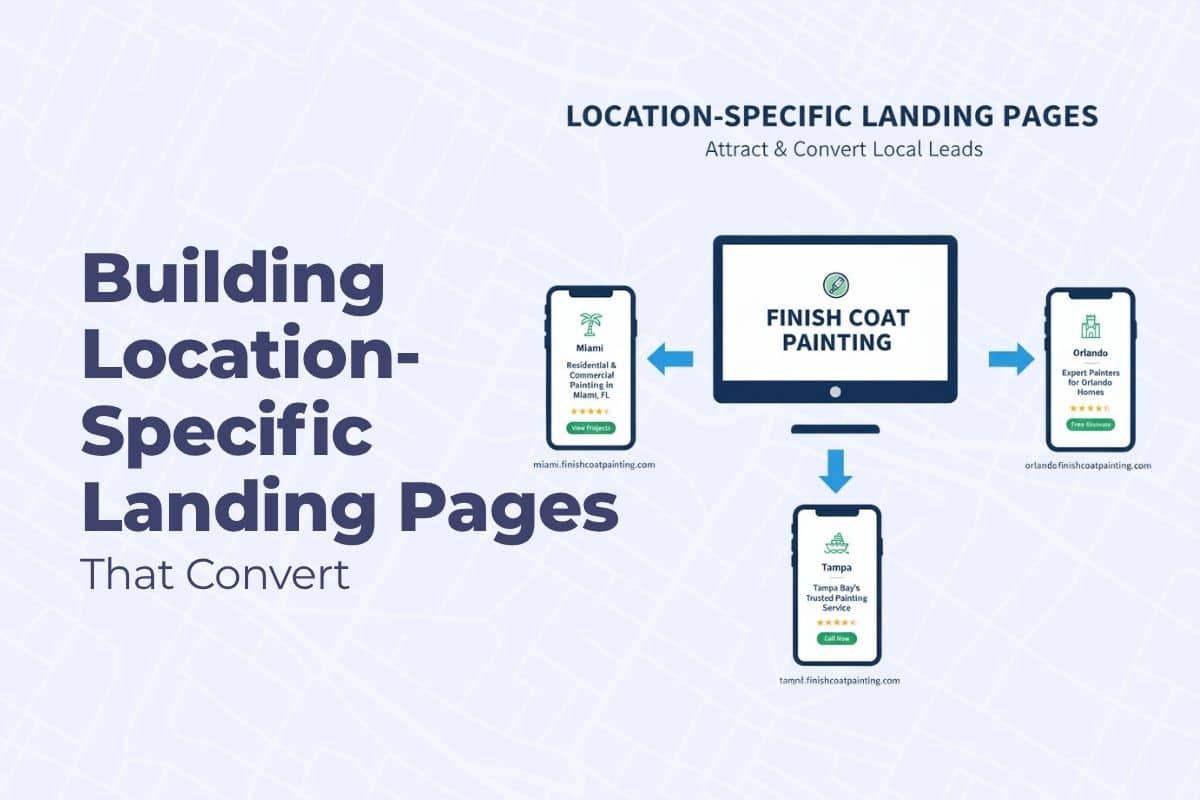
Location-specific landing pages that convert can really boost your leads. If your painting company serves more than one city or town, your website should reflect that — not with one giant service list, but with individual landing pages for each location you want to rank in.
These are called location-specific landing pages or city pages, and when built correctly, they help you rank locally and convert more leads.
Getting found online is a complex process, but it all leads back to boosting your visibility in local search. This guide details a key component of that strategy, but for a full, comprehensive plan, be sure to check out our complete resource: Google Map Pack Strategy for Painting Contractors
In this guide, we’ll walk you through how to structure these pages for SEO and conversions — with practical steps painters can follow to build trust, rank higher, and get more booked jobs in each service area.
What Are Location-Specific Landing Pages?
These are pages on your website that target a specific city, suburb, or service area — like:
- House Painting in Lexington, KY
- Interior Painting Services in New Albany, IN
- Exterior Painters Near Glenview, IL
Each page is designed to:
- Rank in Google for local searches like “house painter in [city]”
- Convert visitors by answering their questions and building trust
- Support your Google Business Profile by reinforcing NAP and local relevance
Why Location Pages Matter for Painters
Most homeowners search with local intent — they want someone nearby, not just anyone.
Examples:
- “exterior painter Louisville KY”
- “interior painting company near St. Matthews”
- “cabinet painting New Albany IN”
If your website has a single service page with a big list of cities, Google has no strong signal about which city you specialize in.
But if you have dedicated landing pages for each city, each with its own content, address info, and keywords, your chances of ranking — and getting leads — go way up.
This is how painting companies expand into multiple markets without needing separate websites. If you’d like this built properly so it actually converts — not just exists — you can get that here.
How to Build High-Converting Location Pages (Step-by-Step)
Let’s break down the ideal structure for a city-specific landing page.
1. Target One City Per Page
Each page should focus on just one location — no combining areas.
Good example:
“Exterior House Painting in Louisville, KY”
Avoid:
“Painting Services in Louisville, Southern Indiana, and Lexington” (too broad)
This helps with keyword relevance and ensures Google can match the page with local searchers.
2. Use a Clear, Local Keyword-Focused Page Title
Page titles and H1 headers should clearly state the service and city.
Examples:
- Page Title: House Painters in Jeffersonville, IN | Free Estimates
- H1: Professional House Painting in Jeffersonville, IN
Use variations of “house painters,” “painting contractors,” “interior/exterior painters,” and include the city name naturally throughout the page.
3. Open with a Localized, Trust-Building Intro
Your first paragraph should include:
- City name
- Specific services offered there
- A trust signal (e.g., “20 years serving homeowners in…”)
Example:
Looking for reliable painters in Jeffersontown, KY? We’ve been helping homeowners with interior and exterior painting projects in the Louisville metro area for over 15 years — with clean, detailed work and no surprises.
4. Add a Unique Section About the Area
Show Google and your readers that you’re familiar with the city.
Include 1–2 sentences referencing:
- Local neighborhoods (e.g., Crescent Hill, St. Matthews)
- Common styles of homes (e.g., brick ranches, historic bungalows)
- Popular services in that area
Example:
Many homes in Crescent Hill were built in the 1920s, which makes prep work and proper paint selection especially important for long-lasting results.
This helps with relevance and trust.
5. List Services Specific to That City
Don’t just link to your general services page. Instead, summarize or list the key services offered in that location.
Use bullets for clarity:
- Interior house painting
- Exterior painting for brick, siding, stucco
- Deck and fence staining
- Cabinet refinishing
- Pressure washing
Include local variations if needed (e.g., some cities request color consultations or HOA compliance more often).
You must ensure that the body content about the actual location is not templated.
Best Practice: On your live “Miami” landing page, you need:
- Testimonials from real Miami customers.
- A paragraph mentioning a specific local landmark or event in Miami.
- Geo-tagged photos of projects completed in Miami.
- A list of specific neighborhoods within Miami you serve.
6. Include Before & After Photos from Nearby Jobs
This is powerful proof that you actually work in the area.
Tips:
- Use real, non-stock photos
- Add captions like “Exterior repaint in Middletown”
- Include neighborhood names if known
Photos make the page more engaging and build visual credibility.
7. Add Local Reviews and Testimonials
- Insert 1–2 reviews from clients in that city or nearby.
Example:
“We hired this team to repaint our home in Old Louisville and they crushed it. On-time, on-budget, and super clean. Highly recommend!” – Sarah M.
This not only builds trust — it also reinforces your presence in that specific area.
8. Embed a Google Map for the Service Area
At the bottom of the page, embed a map showing:
- Your location (if local to the city), or
- A pin dropped on the service area (if you’re based elsewhere)
This helps both users and Google connect the page with the geography.
9. Add Strong Local Calls to Action
Your CTAs should speak to that city’s homeowners.
Examples:
- “Schedule a free estimate in Glenview today.”
- “Get a quote from trusted Middletown painters.”
- “Call now for interior painting in Shepherdsville.”
Buttons should link to your contact form, calendar, or phone number.
10. Optimize for Speed and Mobile
Make sure your location pages:
- Load fast (under 2 seconds)
- Are mobile-friendly
- Use clear fonts and spacing
- Include click-to-call buttons on mobile
Many visitors will come from mobile — especially from your GBP listing — so user experience is key.
Bonus: What Not to Do
- Don’t copy and paste the same content across pages with just the city name changed — this hurts SEO.
- Don’t use a single “Service Areas” page with a bulleted list of cities — it won’t rank for local terms.
- Don’t forget to update your sitemap and submit it to Google Search Console after adding new pages.
- Don’t skip adding schema and consistent NAP to each page footer.
Put Into Action
If you want to outrank other painters in your area and consistently appear inside the Google Map Pack, building location-specific landing pages is one of the most powerful conversion levers. These pages let you dominate multiple service areas instead of relying on one single city page — and Google rewards that depth. If you’d like to see how to apply this strategy directly to your painting business, this is where painters get it implemented with the right structure: Painter SEO Services.